Sheets overview
Sheets is the workspace spreadsheet: a fast collaborative grid with a formula engine that
speaks the same language as Google Sheets and Excel. Type =SUM(A1:A10) and it does exactly
what you expect — with your teammates editing beside you in real time.
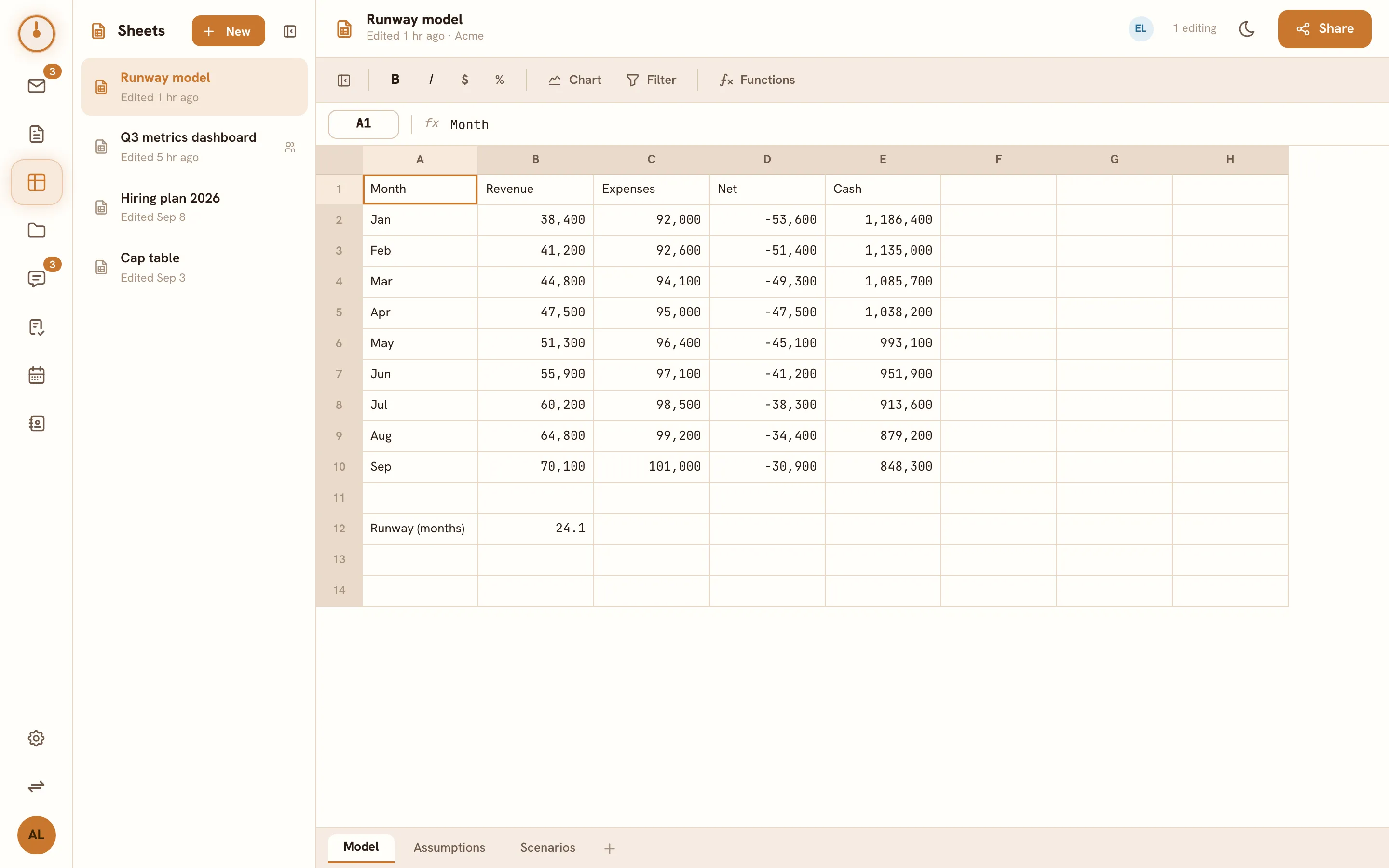
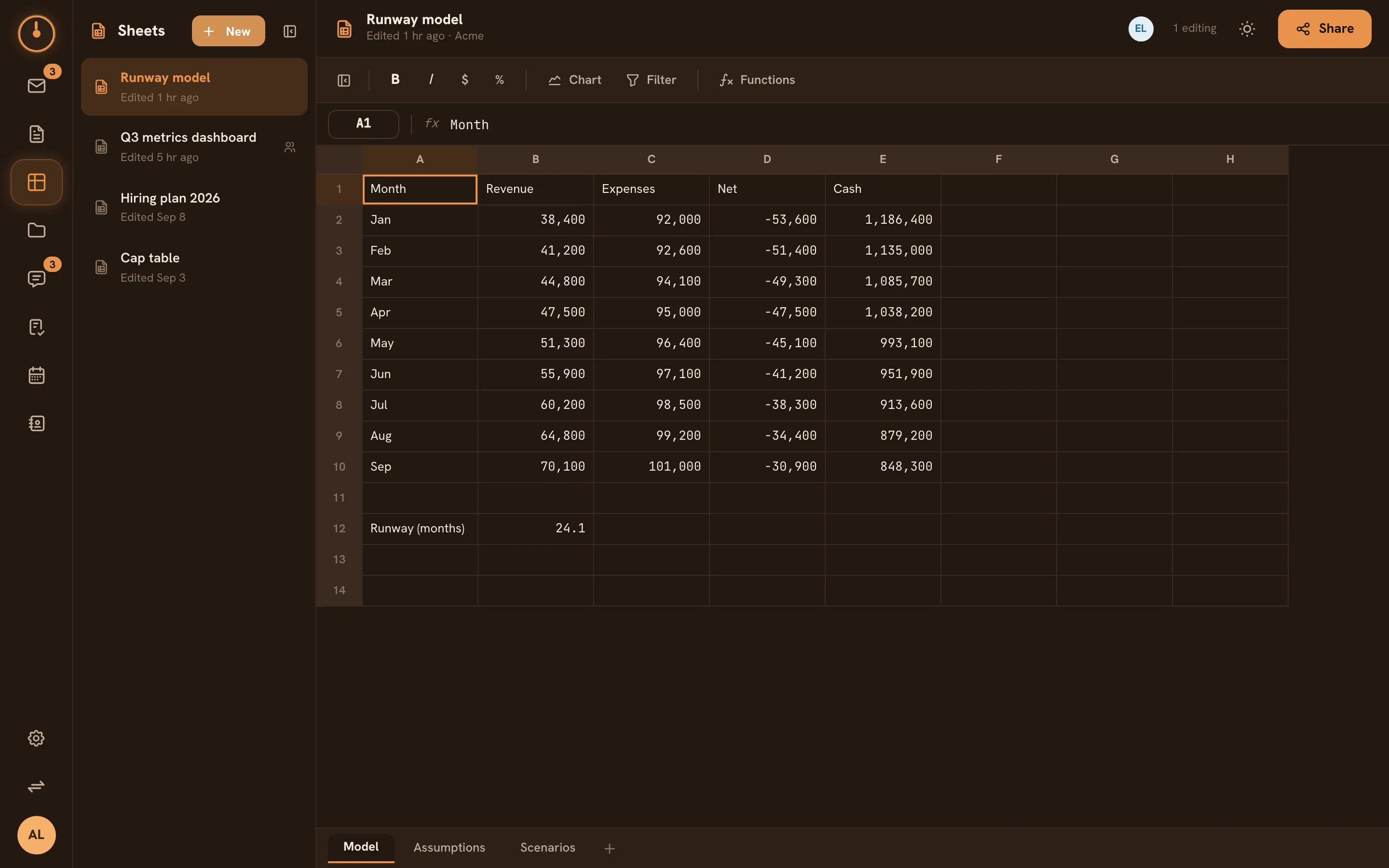
The Sheets screen
Section titled “The Sheets screen”- Workbook list on the left — every sheet you can see, plus New sheet. The list collapses to a slim rail when you want the grid to have the whole screen.
- The grid — rows, columns, and a formula bar above showing the true contents of the selected cell.
- Presence avatars in the header show who else is in the workbook right now.
The basics
Section titled “The basics”- Click New sheet — you get a fresh grid.
- Click a cell and type: text, numbers, or a formula starting with
=. - Share it from the Share dialog when others should see or edit it.
Everything syncs live — a teammate’s edits appear in your grid within a blink, and new sheets are private to you until you share them.
Learn the pieces
Section titled “Learn the pieces”| I want to… | Go to |
|---|---|
| Enter data, select ranges, copy/paste, add rows | Editing cells |
| Write formulas and use the function library | Formulas & functions |
| Control who can view or edit | Sharing sheets |
Formula muscle memory carries over
Section titled “Formula muscle memory carries over”The function catalog follows the Google Sheets function list — VLOOKUP, SUMIF, INDEX,
MATCH, TEXTJOIN, and 270+ more are implemented, across math, text, date, logical, lookup,
statistical, and financial categories. Formulas from spreadsheets you’ve used before generally
paste straight in. See Formulas & functions.
Not there yet
Section titled “Not there yet”Sheets is deliberately focused on data and formulas first. Not yet available:
- Cell formatting (colors, borders, number formats) and merged cells.
- Multiple tabs per workbook.
- Comments, sort/filter views, and export to XLSX/CSV.
When a function exists in the catalog but isn’t implemented yet, a cell using it shows an
honest #UNSUPPORTED! with an explanation on hover — never a silently wrong number.