Docs overview
Docs is collaborative writing for your workspace: meeting notes, specs, proposals, runbooks. Several people can type in the same document at once and see each other’s cursors move — every keystroke syncs live, and there is no Save button to forget.
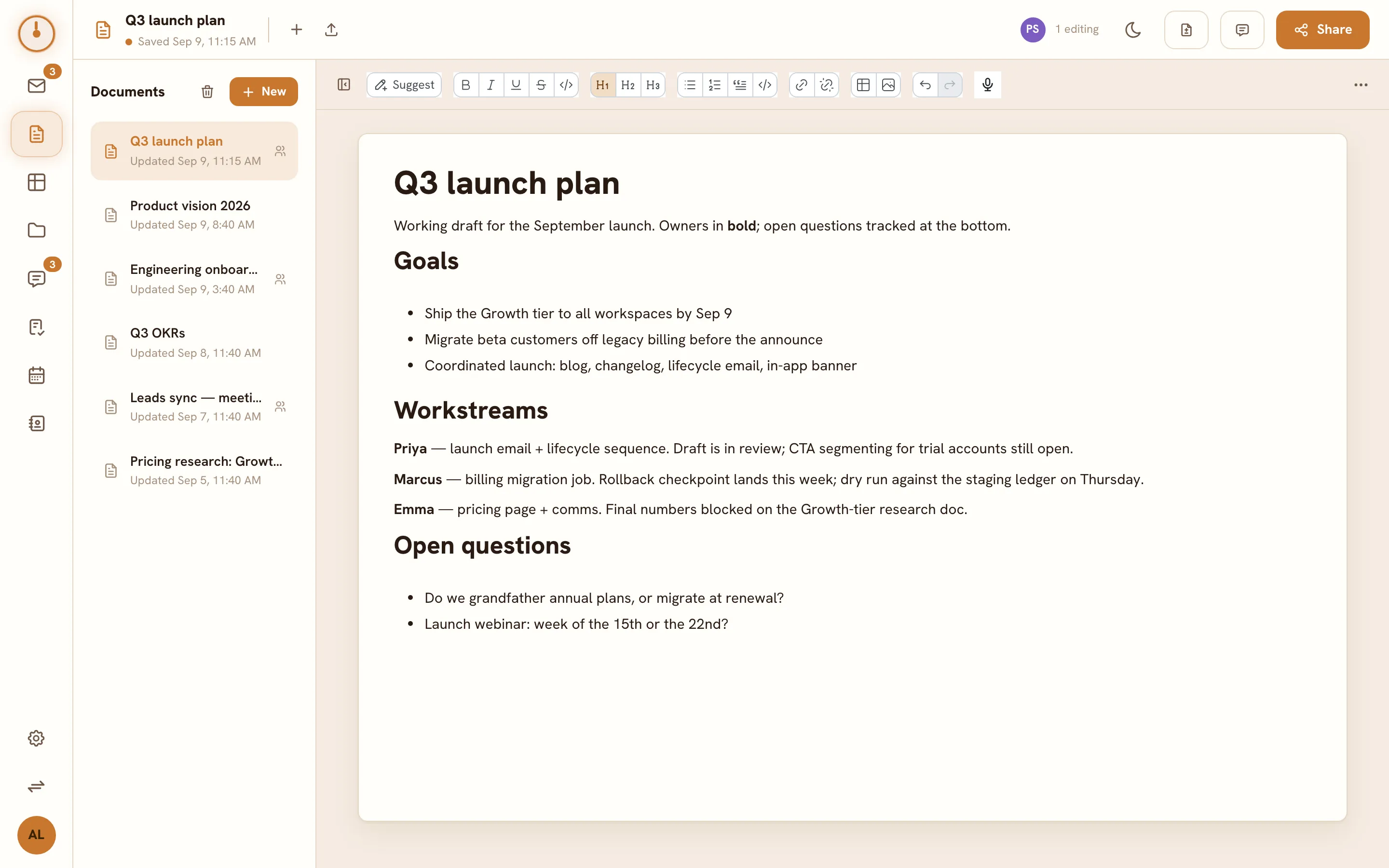
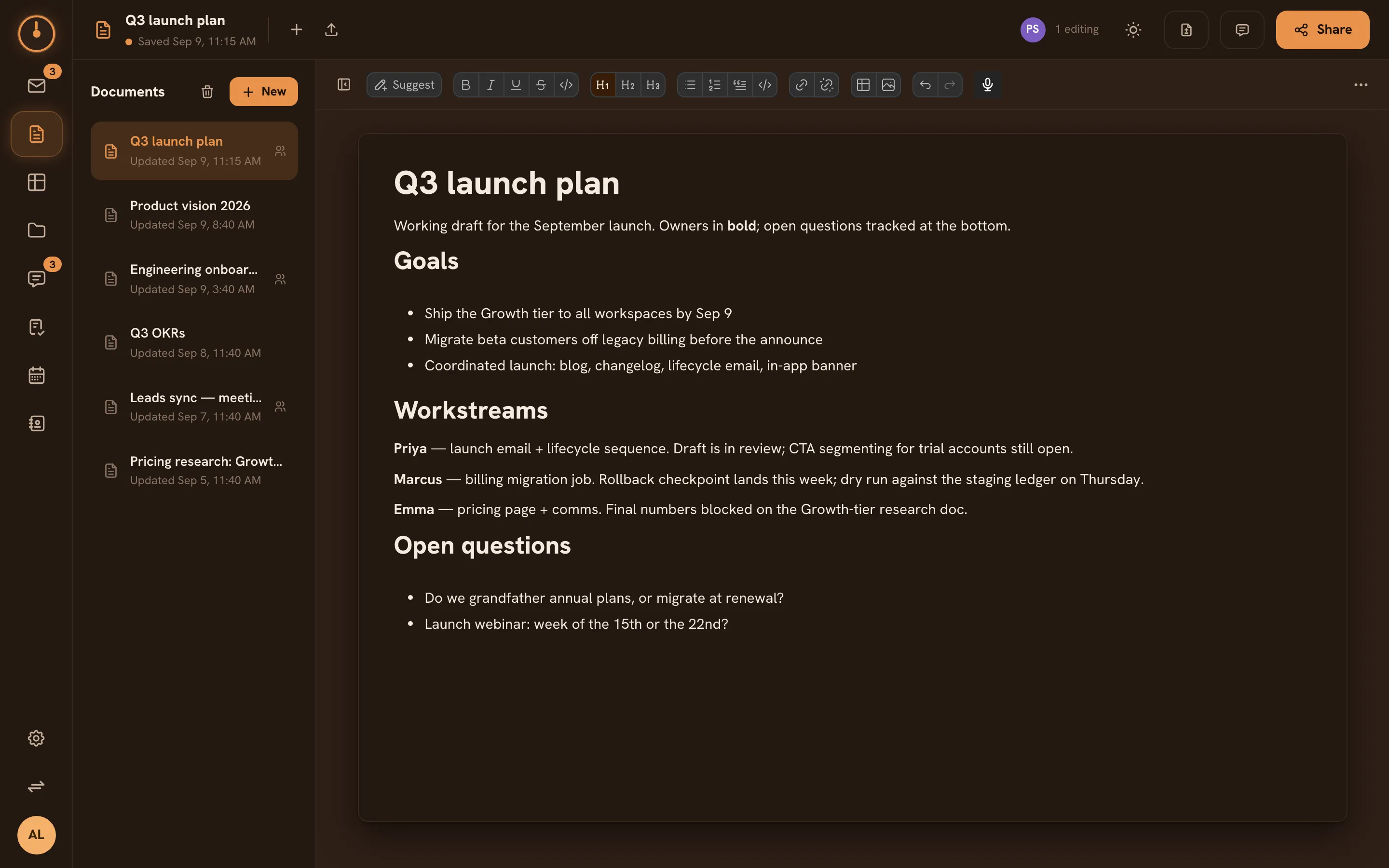
The Docs screen
Section titled “The Docs screen”- Document list on the left: every doc you can see, newest activity first, with New document, Import, and a Trash view.
- Editor filling the rest: the document, with a formatting toolbar and the avatars of whoever else is currently in it.
The basics
Section titled “The basics”- Click New document.
- Give it a title and start typing — everything saves continuously.
- Click Share to control who can see or edit it.
New documents are private to you until you share them — see Collaborating on docs.
What’s in the editor
Section titled “What’s in the editor”Headings, lists, links, tables, images, code blocks — the full tour is in Writing & formatting. A “syncing” chip near the title tells you honestly whether your latest edits have reached the server.
Moving documents in and out
Section titled “Moving documents in and out”Knobs Docs speaks the formats your documents already live in:
- Import Word (
.docx), OpenDocument (.odt), RTF, HTML, Markdown, and plain text. - Export to those same formats plus PDF.
See Import & export.
Deleting a doc moves it to Trash, where the owner (or a workspace admin) can restore it or delete it permanently. Trashed docs are hidden from lists and search until restored.
Docs and the rest of Knobs
Section titled “Docs and the rest of Knobs”- Docs share their editor with Mail compose — the formatting you learn here carries over.
- Search finds docs by title and content from the global search, alongside mail, chat, and files.