Mail overview
Mail is your team’s email, on your team’s own domain. Every workspace gets a mail domain the
moment it’s created — you@your-team.knobs.io — and you can connect a custom domain whenever
you’re ready. There’s nothing to forward, nothing to sync: mail arrives in the same app where
you chat, write docs, and plan your week.
Your address
Section titled “Your address”- Every member gets an address on the workspace domain:
you@<your-team>.knobs.io. - Workspaces can verify a custom domain (like
you@acme.com) from Settings → Domains — a guided screen walks an admin through the DNS records and shows live verified/pending status. - You can add extra addresses for yourself with email aliases.
The Mail screen
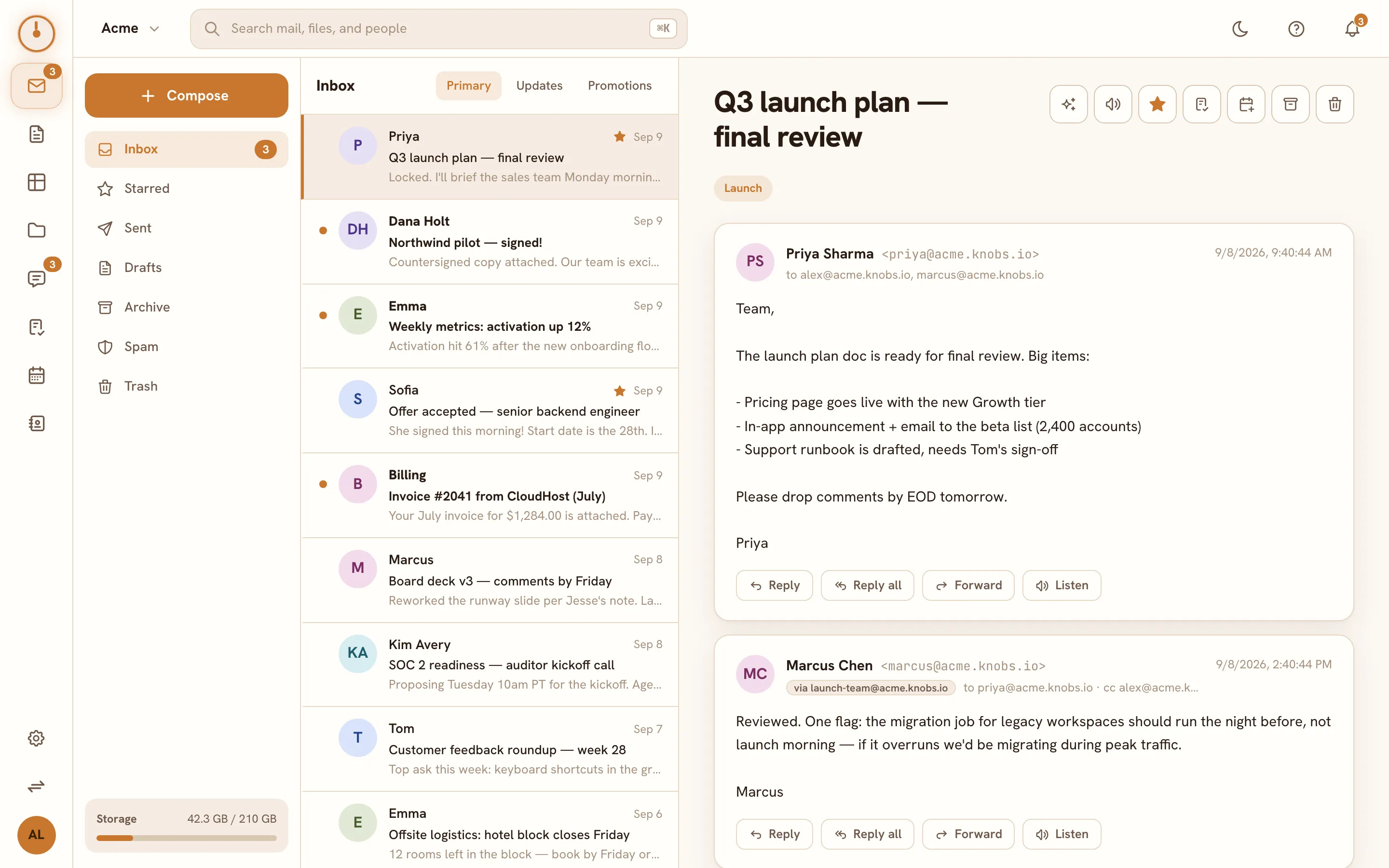
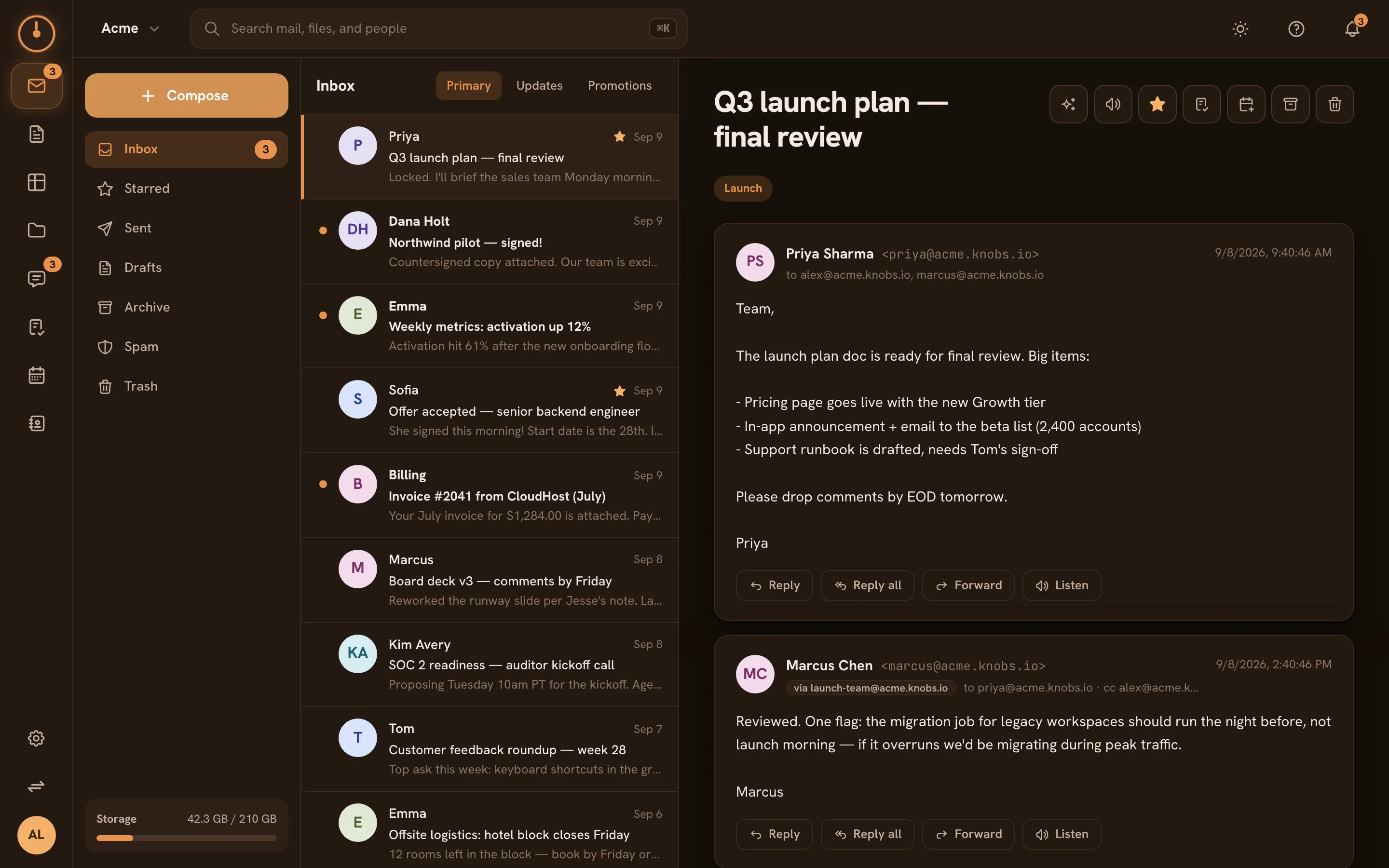
Section titled “The Mail screen”Mail is a three-pane layout:
- Folders and labels on the left — Inbox, Starred, Sent, Drafts, Archive, Spam, and Trash, plus any labels that appear on your mail.
- Thread list in the middle — conversations grouped Gmail-style, newest first.
- Reading pane on the right — the open conversation, with actions in the toolbar.
Replies thread automatically, including replies from people outside Knobs using Gmail, Outlook, or anything else.
What you can do
Section titled “What you can do”| I want to… | Go to |
|---|---|
| Read, star, archive, and label mail | Reading & organizing |
| Write and send messages, with attachments | Compose & send |
| Add extra addresses for myself | Email aliases |
| Understand spam filtering and warnings | Spam & security |
| Summarize threads and draft replies with AI | AI in Mail |
| Handle meeting invites that arrive by email | Calendar invites in Mail |
Mail talks to the rest of Knobs
Section titled “Mail talks to the rest of Knobs”Because Mail lives in the workspace, a conversation is never a dead end:
- Add to Tasks turns a thread into a task that links back to the original mail — see Tasks from anywhere.
- Add to Calendar drafts an event from a thread, with the details pre-filled — see Calendar invites in Mail.
- Attachments land in Drive, so files people email you are browsable alongside everything else — see Drive overview.