Chat overview
Chat is where your team talks in real time. Channels for topics, direct messages for people, threads to keep tangents tidy — and because it’s part of Knobs, every message can become a task, a calendar event, or a jumping-off point for the built-in @Web research bot.
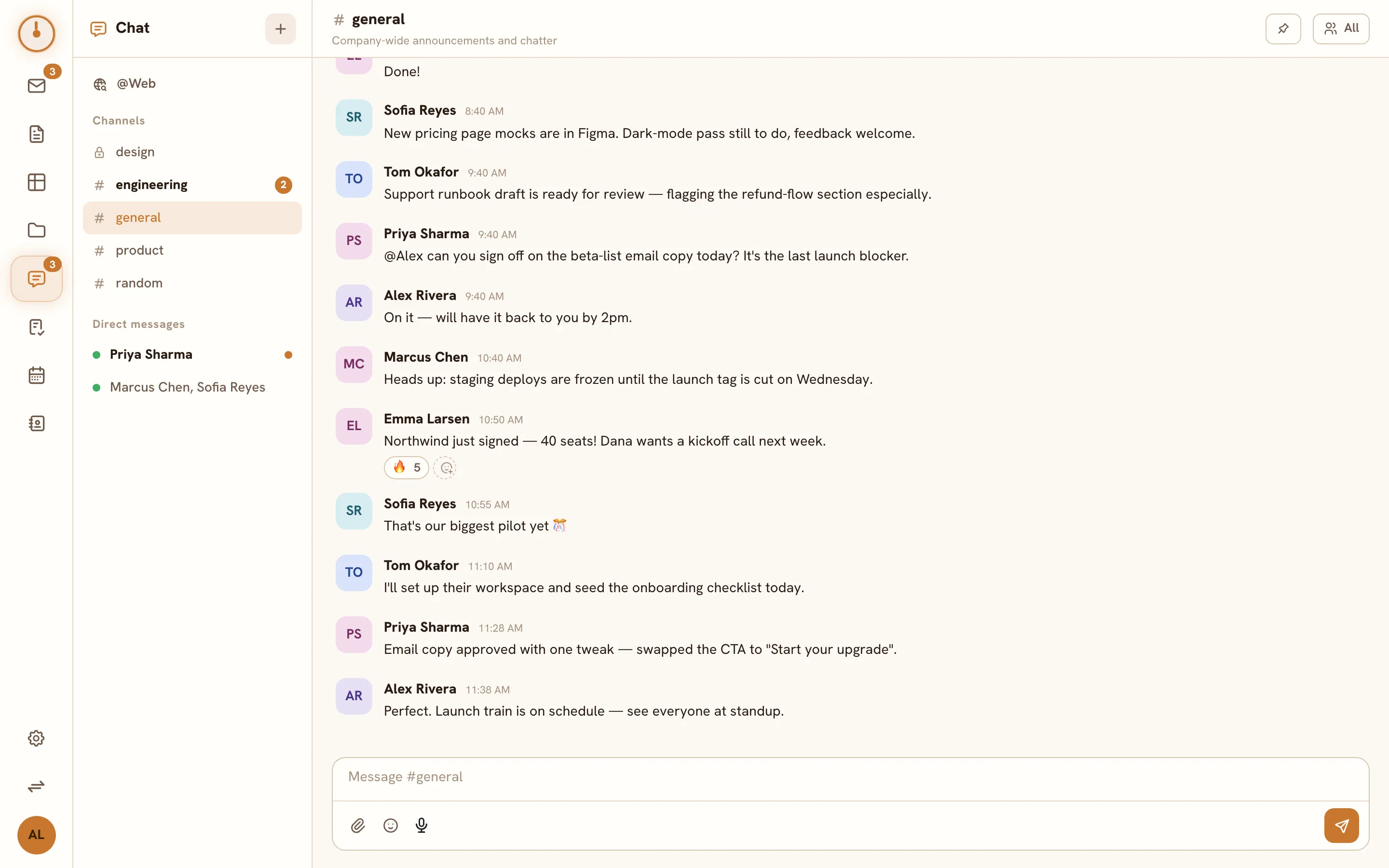
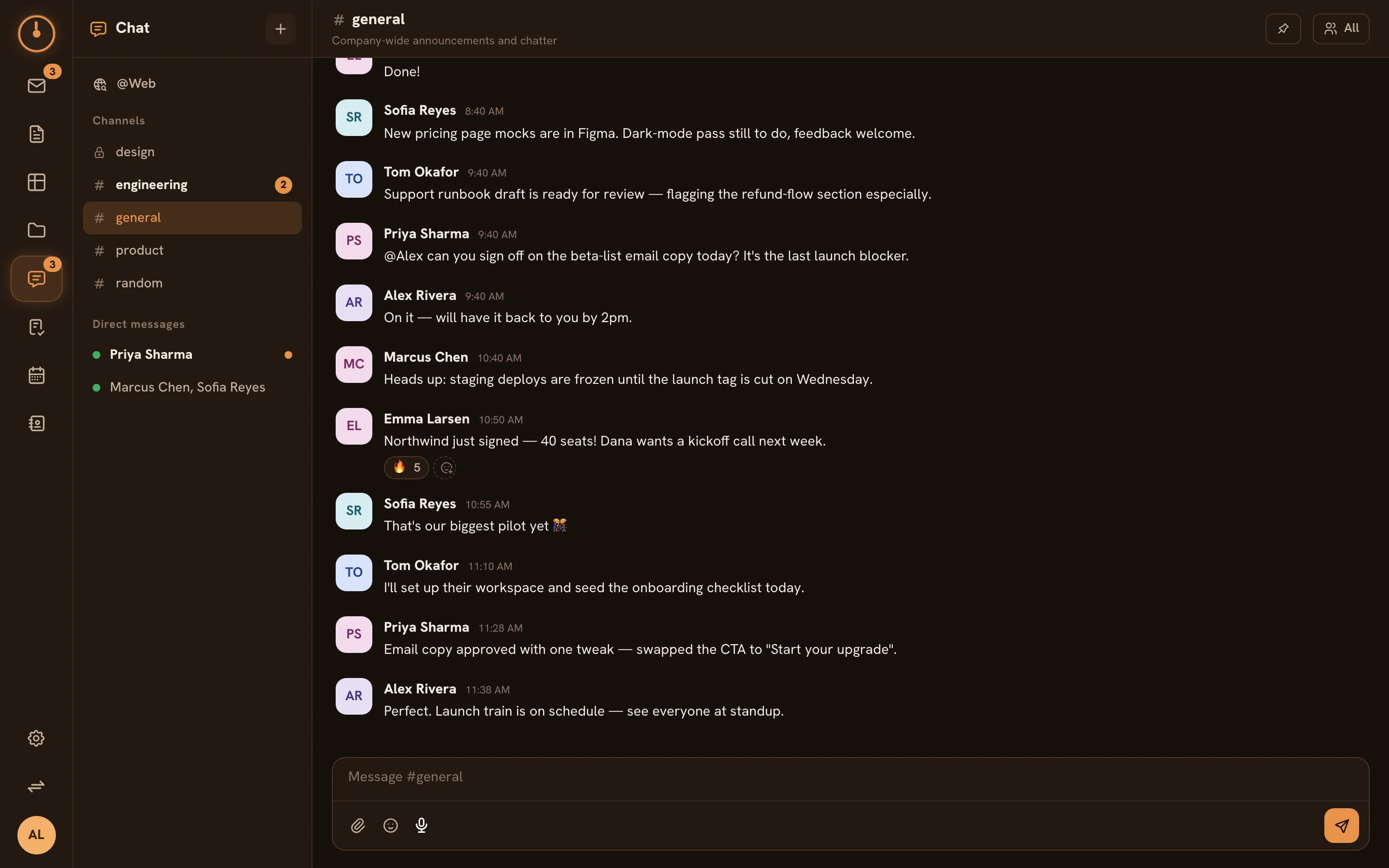
The Chat screen
Section titled “The Chat screen”- Sidebar (left): your Channels and Direct messages. An unread dot means new activity; a numbered pill means you were mentioned or DM’d.
- Timeline (center): the conversation, newest at the bottom, with a composer underneath.
- Right pane: opens when you view a thread or a channel’s pinned messages.
Everything updates live — new messages, edits, reactions, and typing indicators appear as they happen, and presence dots show who’s online.
Where conversations live
Section titled “Where conversations live”| Space | What it’s for |
|---|---|
| Public channels | Open topics — anyone in the workspace can join and read |
| Private channels | Invite-only groups — visible only to members |
| Direct messages | 1:1 or small-group conversations |
| Threads | Replies attached to a specific message, keeping the channel readable |
Learn more in Channels, Direct messages, and Threads.
What a message can do
Section titled “What a message can do”Chat messages are more than text — see Messaging for the full tour:
- Mentions:
@user,@channel,@here, and@Web(the research bot). - Reactions, edits, deletes, and pins.
- Attachments from your computer, stored in Drive.
- Slash commands like
/weband/event. - One-click Add to Tasks and Add to Calendar on any message.
Ask the web from chat
Section titled “Ask the web from chat”@Web is a built-in bot that researches the live web and answers in-channel with cited
sources. Mention it in a message (@Web what changed in the EU AI Act this year?) or use
/web for a private answer only you can see. See
Messaging.
Deep links
Section titled “Deep links”Every channel has a URL (/chat/<channel>), and links can point at a specific thread or
message — paste a chat link in a doc or task and it lands the reader exactly where the
conversation happened.